
Where the time actually went
We run localisation projects at Linearis in Tallinn, and clipsubs grew out of that work. When we looked honestly at where a multilingual video job lost time, it was rarely inside the subtitle editor. Our editors were fast. The delays sat between the steps.
What I kept seeing in our own projects was the same pattern. A source file arrived and someone made a first pass. Then the job split into languages, each language went to a specialist, and every specialist received a file by email. The client reviewed another file, sent comments in a third format, and the producer spent the afternoon working out which version was the latest.

- 01 / SOURCEUpload
- 02 / VERSIONVersion
- 03 / OWNERAssign
- 04 / SIGN-OFFReview
What we decided to build
The editor came first. Our first release put transcription, timeline editing and SRT export in one place, because nothing else works without a good editor. But most of what we have built since sits around it.
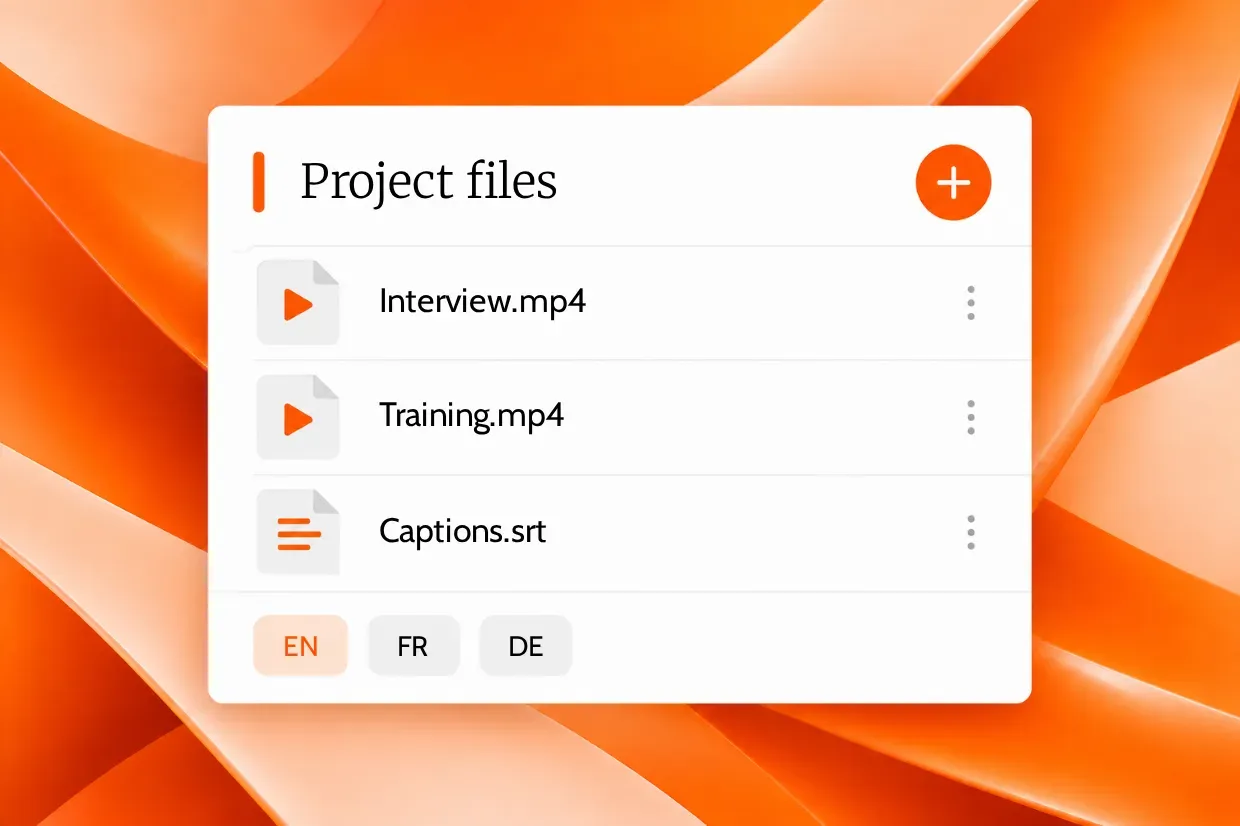
A project holds several files and their target languages. Every step, from transcription and translation to resync, QC, dubbing and vendor work, leaves a named version, grouped by language with the latest marked. An external specialist receives one exact version with a deadline, a note, task permissions and an AI hours allowance, and works in the vendor portal. A client gets a link to the version that needs review, without creating an account.
Typing subtitles was never the slow part. Knowing who had which version was.
What we deliberately left out
We decided early that collaboration should not be priced per seat. In our own vendor network, the people who touch a job change from project to project. Charging for every freelancer and every reviewer would push teams straight back to emailing files. Team workspaces have no seat limits; what you pay for is AI processing.
We also kept the tool narrow where other tools already do the job well. clipsubs does not burn subtitles into video, and SRT Merge joins subtitle files, not video files. Import is SRT and export is SRT, WebVTT or EBU STL, so clipsubs can sit alongside the tools a team already uses rather than replacing all of them on day one.
Before you move a workflow into one place
- List every handoff in a recent job, not just the editing.
- Note where a file was exported, emailed or renamed.
- Decide who owns each language version.
- Agree how the client signs off, and on which version.
What changes when coordination has a home
The editing itself stays the same. A specialist still listens, reads and decides. What changes is the time around it. The producer sees offered, accepted and finished status instead of asking for it. One editor works on a version at a time while others watch the changes live, so nobody overwrites a colleague’s work. The client’s edits stay with the version they were sent.
That is the idea behind clipsubs: AI makes the first pass, specialists make it right, and the workspace keeps the people and versions in order. If you run multilingual video work, take one real job and look closely at the steps between the edits. In our experience, that is where most of the margin is lost.