PRODUCT / AI TRANSLATIONS
Translate subtitles. Build every language.
Create subtitle drafts in 99 languages for multilingual video delivery. Keep each translation as its own version, ready for a specialist to refine, check and hand over.

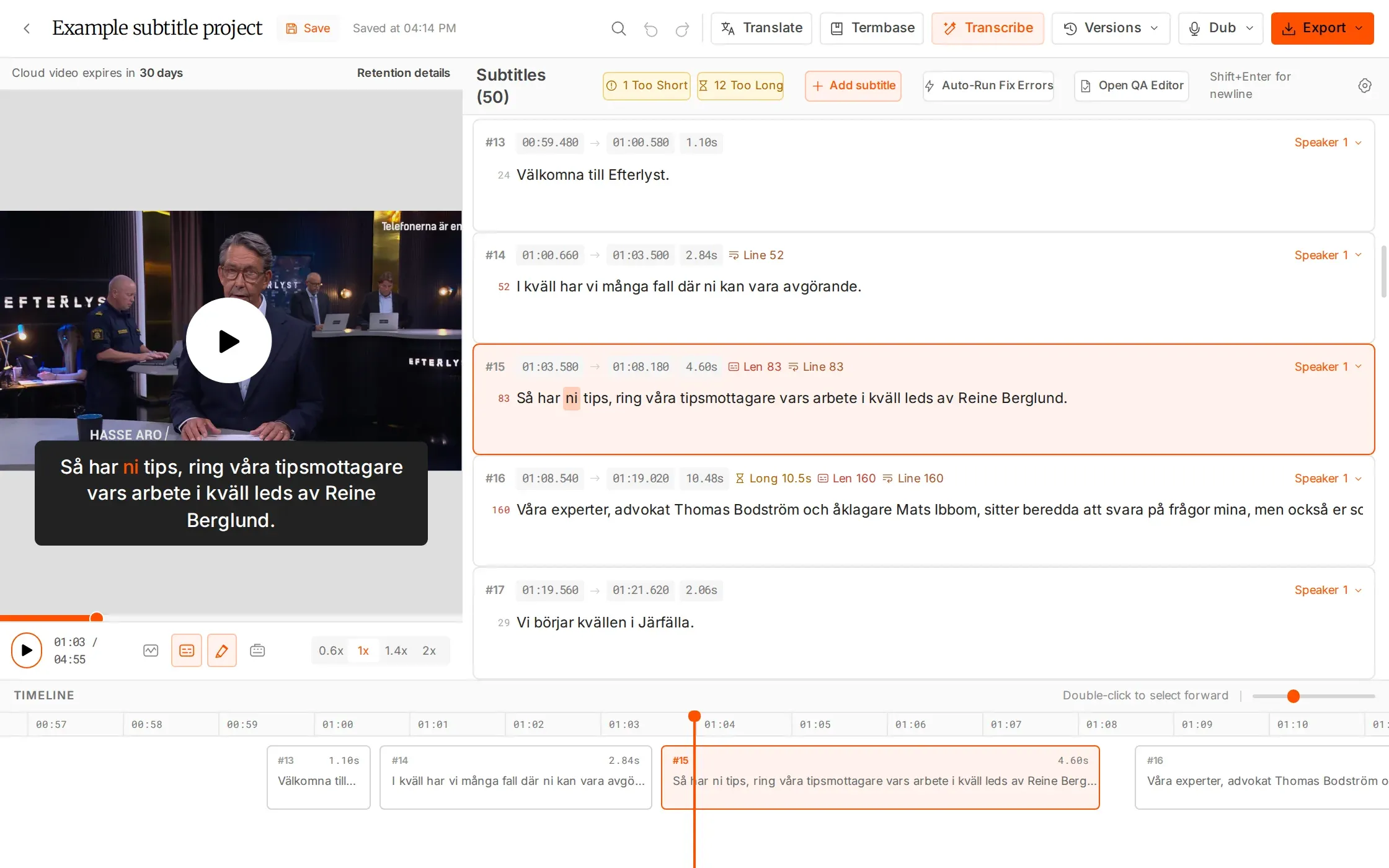
Built for the next language.
A contextual draft. A version your team can own.
Translate with context
Neighbouring lines are considered together to support meaning across the subtitle sequence.
Choose the scope
Translate a whole file or only selected lines. The source language is detected automatically.
Keep each version clear
Translations are saved separately by language. Failed lines retry automatically, and your team can review the result.
WHAT YOU CAN DO
Create the next language without losing the source.
Translate the sequence with context
Neighbouring subtitles are considered together, helping the first pass follow meaning across the sequence. The source language is detected automatically; your specialist then checks tone, terminology and how the translated lines read on screen.
Choose a whole file or selected lines
Translate an entire subtitle version for a new language, or work on the lines you select. This lets the team focus an AI pass on the part of the file that needs attention, then review that result in the editor.
Keep each language independently editable
Translations are saved as separate versions instead of overwriting the source. Open the required language, refine the wording and line breaks, and retain the other language versions in the same project for the next handoff.
Take the draft through specialist review
Assign a translated version to a specialist or share that version for client review. Check meaning, names, timing and reading speed before exporting, with the video and subtitle tools available in the same workspace.
HOW IT WORKS
Translate, refine, then hand over.
Use AI for the first pass and keep specialist judgement in the delivery workflow.
Choose the source
Open the subtitle version you want to translate and select the target language.
Translate the right lines
Run the whole file or just your selection. Keep the new language version alongside the source.
Bring in the reviewer
Assign the version to a specialist or share it for review. Refine the wording before exporting.
IN YOUR WORKFLOW
Support each language. Prepare every release.
One source video, several target markets
Start from checked source subtitles and create the required language versions. Assign each to a specialist who can adapt the wording, review readability and prepare the version for delivery.
WHY IT HELPS
Keep ownership and progress clear as the number of languages grows.
A small set of lines needs another pass
Select the relevant lines rather than translating the whole file. Review the result with its surrounding subtitles, adjust it to the intended meaning and check the timing before handoff.
WHY IT HELPS
Focus the work on the selected passage while retaining source context.
In-editor translation is free. Bulk Translate is a separate utility charged at 5 minutes per file. Workspace termbases guide transcription and are not applied to translation.
FAQS
Have questions? Find answers.
Have more questions?
Reach out to our friendly support team
How many languages can I translate into?
AI Translations supports 99 target languages and detects the source language automatically.
Can I translate selected lines?
Yes. Translate a complete file or only the lines you select in the editor.
Will translation overwrite the source?
No. Each translated language is saved as a separate version.
Is human review still needed?
Yes. Review meaning, names, tone, timing and readability before delivery.
Are termbases applied to translation?
No. Termbases help transcription recognise terms; they are not applied to translation.
Does in-editor translation use hours?
Translation inside the editor is free. Bulk Translate is a separate utility tool and uses 5 minutes per file.
Make the next language manageable.
Translate inside the editor without using additional AI hours.