PRODUCT / AI DUBBING
Create AI voiceover in 32 languages.
Prepare multilingual voiceover for interviews, training and video content. Set the speaker and audio options, then receive a dubbed MP4 and translated SRT for review and delivery.

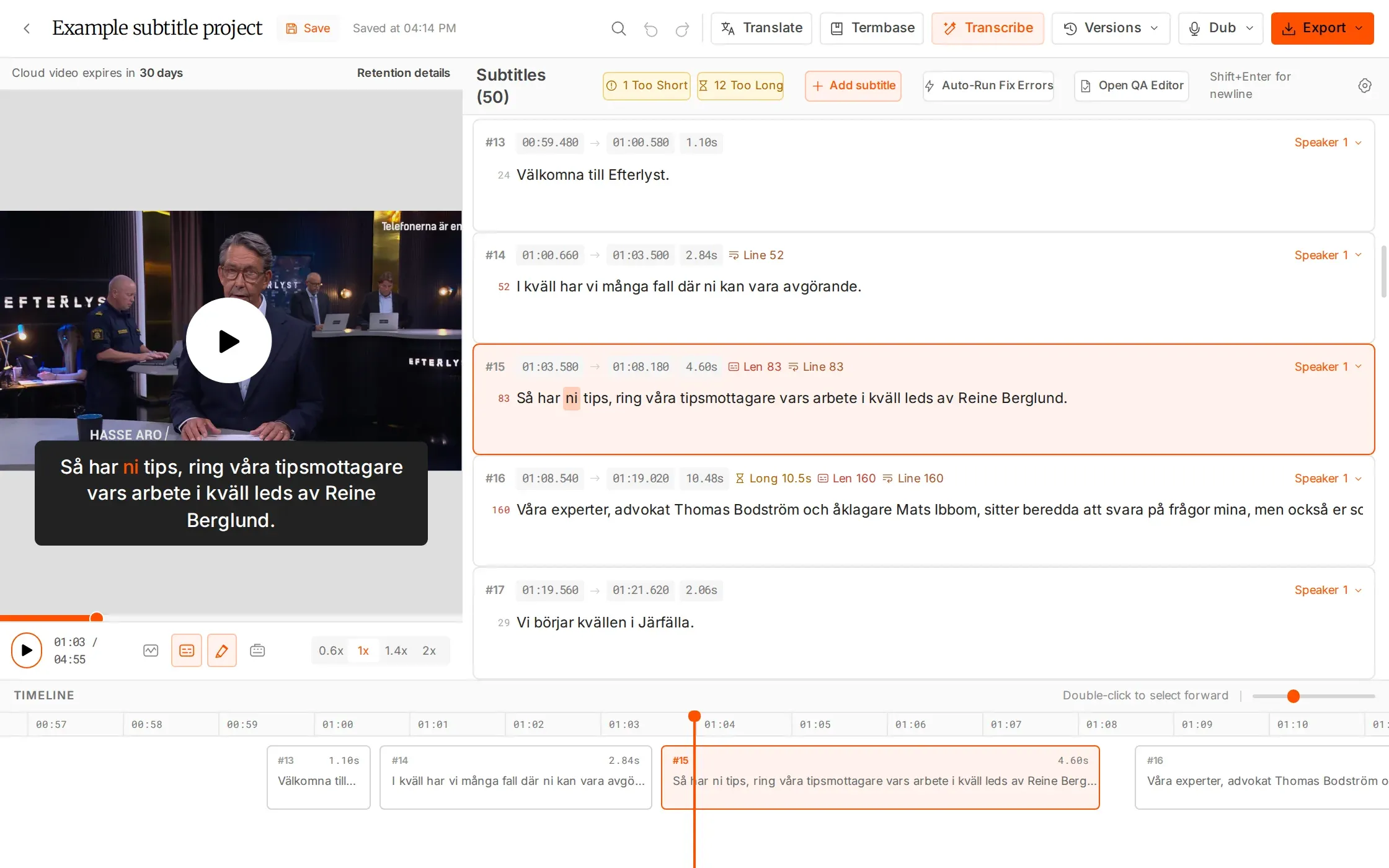
A voice workflow you can follow.
Prepare the speakers. Review the result in context.
Choose the speaker setup
Use automatic speaker detection or specify the number of speakers, from 1 to 4+.
Shape the audio output
Use voice cloning and choose whether to remove background audio. Only use voices and material you have permission to process.
Receive both deliverables
Get a dubbed MP4 and translated SRT without a watermark. Past dubs remain in your history.
WHAT YOU CAN DO
Control the setup. Review every output.
Set up the speakers in your source
Use automatic speaker detection or specify the number of speakers, from 1 to 4+. Choose the setup that fits the recording, then check speaker attribution when you review the generated voiceover.
Choose how the audio is handled
Use voice cloning where you have the necessary permissions, and choose whether to remove background audio. These options let you prepare the dub around the source material and the audio your delivery needs.
Receive video and subtitles together
Each completed dub provides an MP4 and a translated SRT, without a watermark. Review the spoken result and subtitle wording together so both deliverables can move into the same language handoff.
Keep processing and past work visible
Start the dub and receive an email when it is ready. Past dubs remain in your history, giving the team a place to return to the generated output while organizing review and the next delivery.
HOW IT WORKS
From source video to reviewed voiceover.
Set up the dub, let processing run, then check the voice and subtitles before sharing.
Prepare the source
Choose the video, target language and speaker setup. Confirm you have the necessary rights.
Generate the dub
Select your audio options and start processing. An email lets you know when the dub is ready.
Review both outputs
Check the dubbed MP4 and translated SRT. Keep the history available for your next handoff.
IN YOUR WORKFLOW
Give multilingual video another way to be understood.
Training content for a new language audience
Choose the target language and speaker setup, then generate the voiceover. Review pronunciation, wording and timing in the MP4 and check the accompanying SRT before distributing the training material.
WHY IT HELPS
Prepare spoken and subtitled versions for the same language release.
An interview with several speakers
Use automatic speaker detection or set the speaker count for the recording. Review who says each line, how names are pronounced and how the voiceover follows the source before delivery.
WHY IT HELPS
Keep speaker decisions visible during the review of a multi-person recording.
AI Dubbing is billed separately and is not included in subscription plan hours. Voice cloning requires the appropriate rights and permissions.
FAQS
Have questions? Find answers.
Have more questions?
Reach out to our friendly support team
How many dubbing languages are available?
AI Dubbing supports 32 languages.
Can the voice be cloned?
Voice cloning is supported. You are responsible for obtaining the rights and permissions needed for the voices and content you use.
How are speakers handled?
Use automatic speaker detection or set the number of speakers yourself, from 1 to 4+.
What files do I receive?
The output includes a dubbed MP4 and a translated SRT, without a watermark.
Can I remove background audio?
Yes. There is an option to remove background audio when preparing the dub.
Is dubbing included in my plan?
AI Dubbing is billed separately and is not included in the hours that come with your subscription plan.
Add another voice to your next delivery.
AI Dubbing is billed separately. It is not included in your plan hours.