WORKSPACE / OVERVIEW
The project is shared. The next step is clear.
Keep files, language versions, transcription terms and delivery formats together. Give your team one place to find the work and move it forward.

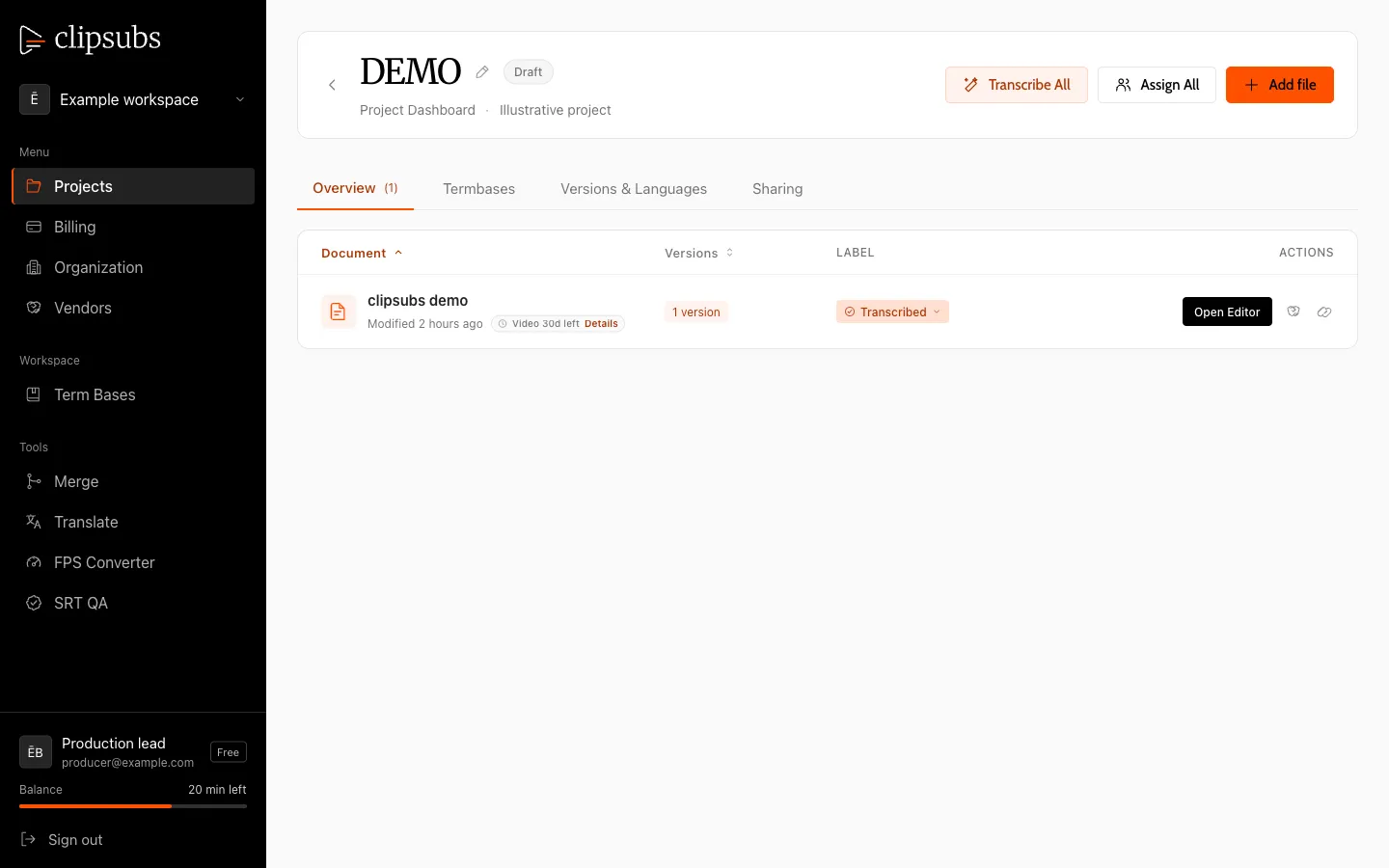
One workspace. Four connected parts.
From source files to final delivery, keep the context with the project.
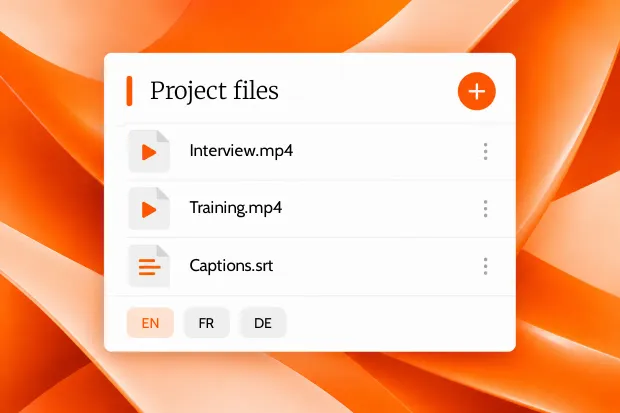
Projects
Bring several files into one project: upload video or audio, or import SRT. Use Overview, Versions & Languages, Term Bases and Sharing tabs. Set target languages and see which are done. Transcribe one file or all files, follow upload progress and retention dates, and filter by the person who created a file.
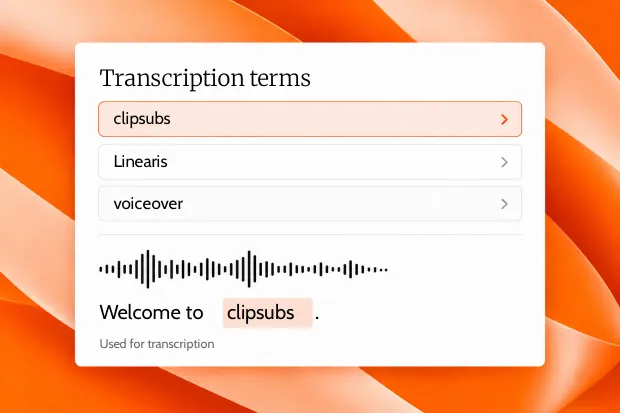
Termbases
Keep workspace lists of names, brands and specialist terms, with up to 100 entries per list. Assign a termbase to a project so its files use the same transcription context. Add terms directly from the editor with a keyboard shortcut. Termbases help transcription; they are not applied to translation.
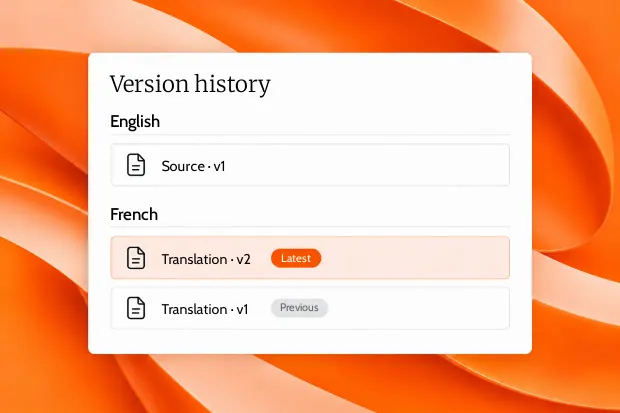
Version History
Keep a named version for transcription, translation, resync, re-split, QC, dubbing, vendor work and imports. Versions are grouped by language, with the latest marked. See creation and edit times, switch through the Versions drawer, and share or assign the exact version the next person needs.
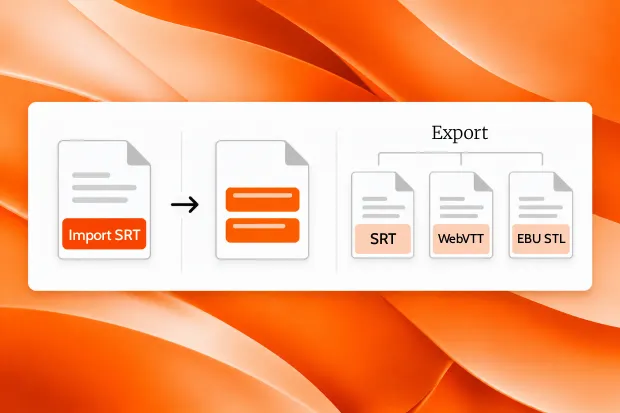
Exports and Imports
Import SRT as a new file or an additional version. The language is detected from the filename. Export SRT, WebVTT or EBU STL, download the original video, and collect bulk-tool results as ZIP files. Import is SRT only; exporting a subtitle file does not burn captions into video.
CONNECTED HANDOFFS
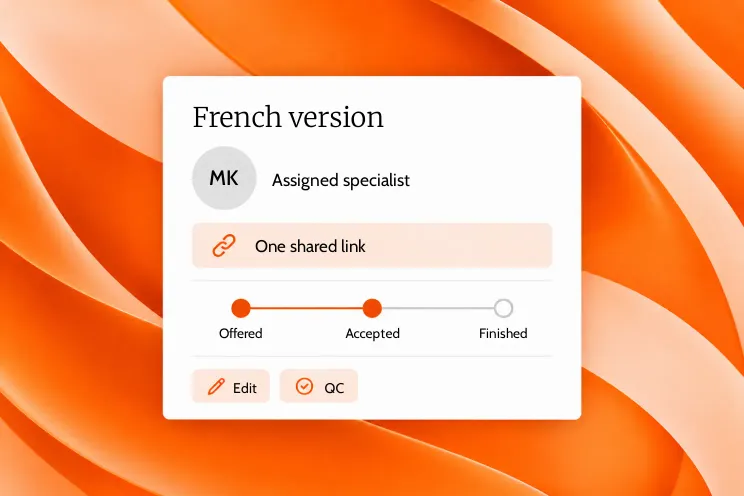
One version. The right specialist.
Assign a language version with a deadline, task permissions and an AI allowance. Follow the handoff from offered to accepted to finished.
HOW IT WORKS
Set up once. Keep the work connected.
Bring the files into a project, give each language a place, and share the version that needs attention.
Start with the project.
Add source video or audio, or import an SRT. Set the project’s target languages.
Create and refine versions.
Transcribe one file or all files. Translate, resync, re-split and run QC, keeping a named version for each step.
Share the right handoff.
Assign a specific version to a specialist or send a client review link. Export SRT, WebVTT or EBU STL when ready.
FAQS
Have questions? Find answers.
Have more questions?
Reach out to our friendly support team
What does the workspace include?
Projects, Termbases, Version History, Exports and Imports live in one workspace, alongside team and sharing controls.
Can a project contain several files?
Yes. A project can hold multiple videos, audio files and imported SRT files, with target languages and file-level progress.
Do termbases guide translation?
No. Termbases help transcription recognise names, brands and specialist terms. They are not applied to translation.
Can I share or assign a specific version?
Yes. Versions are grouped by language, and you can share or assign the exact version needed for a handoff.
Which file formats are supported?
Import SRT files. Export SRT, WebVTT and EBU STL. Bulk Translate also accepts TXT, and bulk tools provide ZIP downloads.
How long is video stored?
Videos are deleted automatically after 30 days, while subtitles are kept. Retention dates are shown for each file.
One workspace. More finished work.
Start with 30 free minutes. Bring the team without seat limits.