PRODUCTS
Your language work. Connected.
AI-assisted subtitles and voiceover for video at scale. Start from your source media, bring in the right people and keep every language version under control.
TALK TO SALES
- LMT

- Encompass


PRODUCTS
From the first draft to the final language.
Transcribe, translate, refine and dub in a shared workflow. Use the tools your project needs, with human judgment at every delivery point.
- 01
Subtitle Studio
The complete workflow
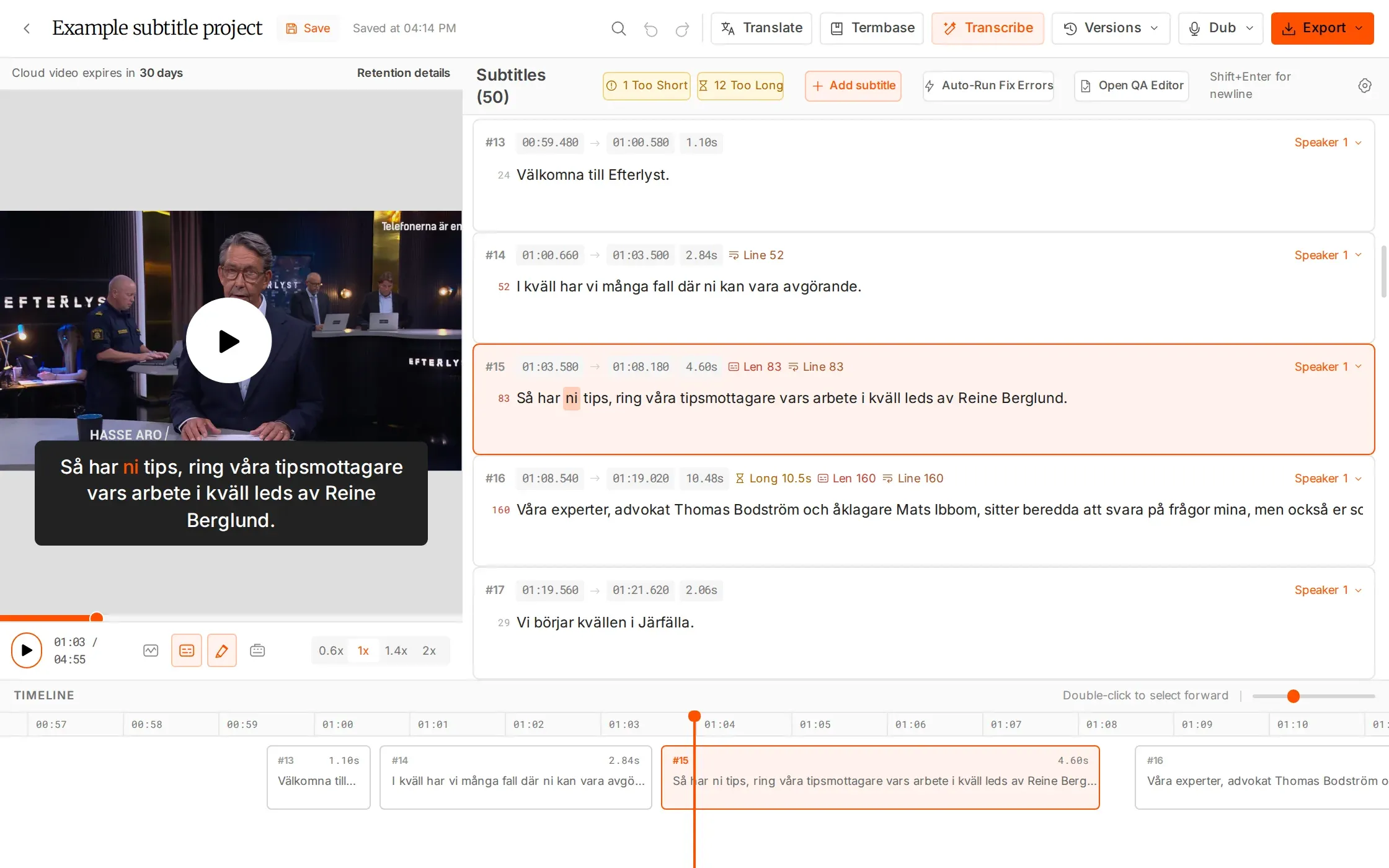
Your browser-based production desk. Keep transcription, editing, translation, quality checks and dubbing together.
EXPLORE PRODUCT - 02
AI Transcription
Start from the source
Turn media into a timed first draft in 99 languages, with word-level timing and batch processing.
EXPLORE PRODUCT - 03
AI Translations
Build each language version
Create separate language versions in 99 languages, with neighboring-line context and selected-line control.
EXPLORE PRODUCT - 04
AI Dubbing
Take the story into voice
Create multilingual voiceover in 32 languages. Work with speaker detection or chosen speaker counts, and download MP4 and SRT.
EXPLORE PRODUCT - 05
Timeline Editor
Make the details work
Refine timing against the waveform, split and merge subtitles, and review the words against the video.
EXPLORE PRODUCT - 06
AI Resync and Re-split
Recover the right timing
Align existing subtitles to the audio or rebuild line breaks to your delivery limits. Keep the original version.
EXPLORE PRODUCT - 07
QC (Quality Control)
Check before you deliver
Review eight adjustable subtitle checks, find overlaps, move through issues and apply fixes before delivery.
EXPLORE PRODUCT

HOW IT WORKS
A clear path from source to delivery.
Start with the source
Upload media or import an SRT. Generate a timed draft, then review the language and timing against the video.
Assign and refine
Assign each language version to a specialist with a deadline, permissions and an AI allowance. They refine wording and timing in the editor while you follow progress in the same project.
Review and deliver
Share the exact version with the client for review, run the QC checks against your delivery limits, then export SRT, WebVTT or EBU STL.
FAQS
Have questions? Find answers.
Have more questions?
Reach out to our friendly support team
Do I need separate tools for every step?
No. Subtitle Studio brings transcription, editing, QC, translation and dubbing into the browser. The product pages explain each tool in detail, so you can choose the steps your project needs.
Can I start from an existing subtitle file?
Yes. Import an SRT as a new file or a new version. You can edit it, run quality checks, resync it to the audio or create translated versions.
How do AI and human review work together?
AI creates or transforms the draft. Your editors and specialists review timing, language, readability and delivery requirements before the work leaves the project.
Does the workspace keep separate language versions?
Yes. Versions are grouped by language, with the latest marked. Share or assign a specific version so the next person has a clear starting point.
Do translation and quality checks use AI hours?
In-editor translation, editing, QC, Re-split and export are free. Transcription uses 1× source duration and Resync 0.3×. Utility tools use 5 minutes per file. AI Dubbing is billed separately.
How can I test the workflow?
Create an account for 30 free minutes, with no card required. Upload your media, generate a draft and take a language version through review and delivery.
Put one project through its paces.
Try 30 free minutes with your own content. See how the tools and the people work together.