
Files hide the history
A folder of subtitle files tells you very little. The names drift: final, final_v2, final_client_edits. Each file is a snapshot with no memory of what came before or who changed it. When a question comes back three weeks later, someone has to rebuild the history from email.
In media localisation the real unit of work is not a file. It is a language version of a specific video, with an owner, a state and a past. Treat it that way and most of the “which one is current?” conversations disappear.

- 01 / SOURCETranscribe
- 02 / LANGUAGETranslate
- 03 / REVISIONRefine
- 04 / HANDOFFShare
Make the version the unit of work
In clipsubs, every step leaves a named version: transcription, translation, resync, re-split, QC, dubbing, vendor work and imports. Versions are grouped by language, with the latest marked and creation and edit times visible. You switch between them in the Versions drawer instead of searching a folder.
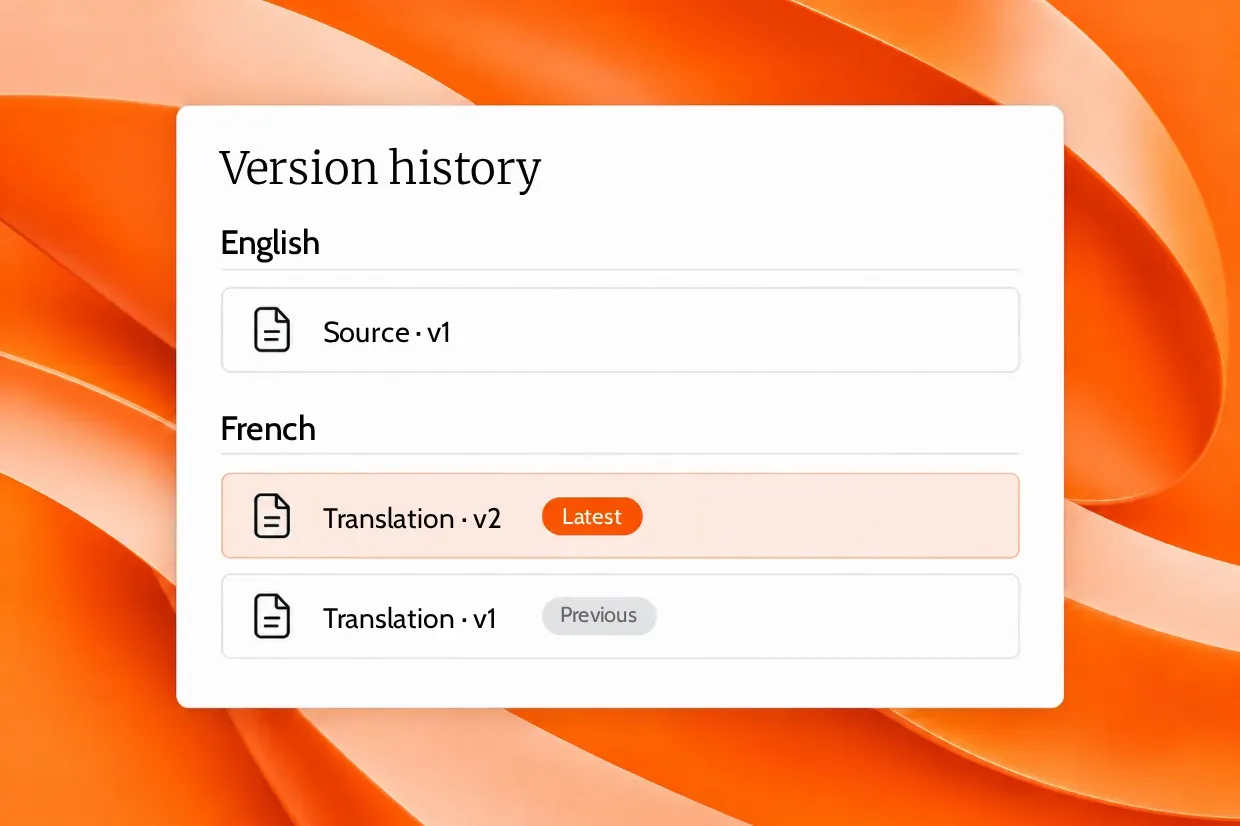
Translation never overwrites the source; each language is saved as its own version. AI Resync and Re-split keep the original, so you can compare the result before choosing what to deliver. When an SRT arrives from outside, import it as a new file or as another version in an existing project, and it joins the same history. The language is detected from the filename.
A file is a snapshot. A version is a decision with a date and an owner.
Keep recurring content manageable
Versions earn their place on recurring work: a series, a weekly show, a training library that keeps growing. A project holds several videos, audio files and imported SRTs, with target languages and file-level progress, so you can see which languages are done for each episode without opening every file.
Because you share or assign an exact version rather than a file, the next person always starts in the right place. A specialist gets the French version of episode four, not an attachment. A client reviews the version you chose, not whichever copy reached them last.
Before you set up a recurring project
- Set the target languages once, at project level.
- Decide which version counts as the delivery version.
- Name who owns each language across episodes.
- Agree what the client reviews and when.
Retention by design
One more thing changes when the version is the unit: what you need to keep. In clipsubs, videos are deleted automatically after 30 days, while subtitle versions are kept. Each file shows its retention date, so nobody is surprised when the media goes.
In our own work this matched how media actually moves. The video is heavy, and the master usually lives somewhere else. The subtitle work is the asset the team built, and it is what you return to when a client asks for a correction or a new language months later. Keeping the versions and letting the media go keeps a project light without losing the record of what was done.
When it is time to deliver, open the version you trust, check it against the picture while the video is still there, and export SRT, WebVTT or EBU STL. The history stays with the project for the next round.