
Why a sent file goes stale
Sharing subtitle work used to mean sending it. The editor exported an SRT, renamed it with a date or a version number, and attached it to an email or dropped it into a shared folder. The moment it left, it was a copy. The editor kept working on their own file, the reviewer edited the copy, and by the end of the day there were two versions that were both partly right.
Most teams we know built habits to cope with this. File names with initials and dates, a spreadsheet listing who had which language, a rule that only one person may touch the master file. The habits hold until someone is ill, a deadline moves, or a client replies to an older email. Then a producer spends an hour comparing two SRT files line by line to work out which edits to keep.
There was a second problem. The tool that held the real work was often a desktop subtitle editor installed on one person’s machine. A colleague could not open the project without the same software, and a client certainly could not. So the only way to share was to export, and every export started the cycle again.
The argument here is that sharing should mean giving someone access to the work, not giving them a copy of it. Once the work lives in one place, most of the coordination habits stop being necessary.

- 01 / PROJECTCollect
- 02 / HISTORYVersion
- 03 / OWNERAssign
- 04 / CLIENTShare
Start with a project, not a folder
In clipsubs the thing you share is a project. A project holds several files: video or audio you upload, or SRT files you import. You set the project’s target languages and can see which are done. The project dashboard has Overview, Versions & Languages, Termbases and Sharing tabs, so everyone working on it sees the same picture.
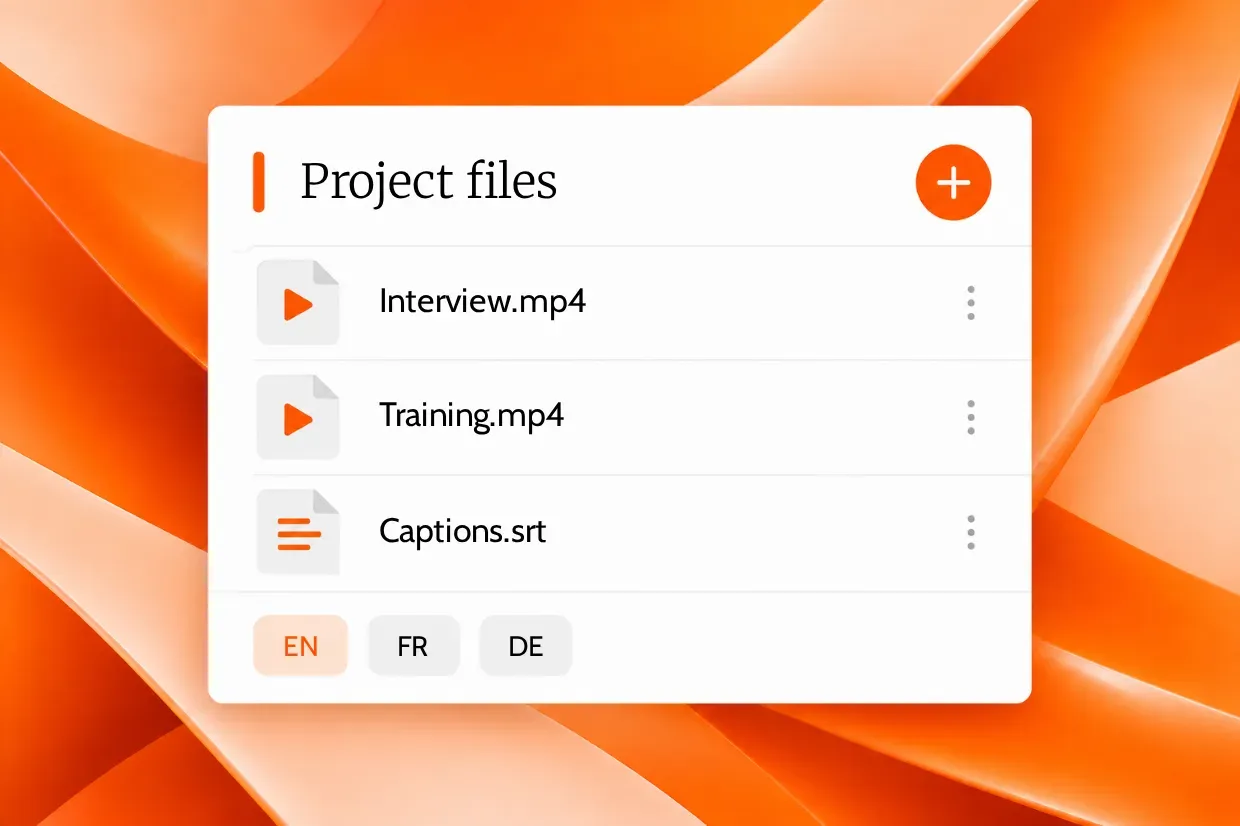
This replaces the shared folder, but it is more than storage. A folder knows which files exist. A project also knows which languages are needed, which file each version belongs to, who created each file and which termbase its transcription uses. When a new colleague joins, they do not need a tour of a naming convention. They open the project. Each file also shows how long its video will stay in storage, so nobody is caught out when the media expires halfway through a review.
Let versions carry the history
The core of sharing without sending is that every step leaves a named version instead of a new file. Transcription, translation, resync, re-split, QC, dubbing, vendor work and imports each create a version. Versions are grouped by language, with the latest marked, and each one shows when it was created and when it was last edited. The Versions drawer lets you move between languages and versions quickly.
That changes the question people ask. Nobody needs to ask which file is the latest, because the answer is shown on the version itself. If a reviewer wants to see what the track looked like before a resync, the earlier version is still there. Nobody keeps a backup copy on their desktop in case the shared one goes wrong.
“The slow part was never the typing. It was finding out which file was the latest.”
Lauris Zemturis, founder of clipsubs
One editor at a time, everyone watching
The obvious worry with a shared version is that two people edit it at once and overwrite each other. Desktop workflows avoided that by never sharing at all. We chose a different rule. One person edits a version at a time, and everyone else who opens it sees the changes live. When the editor is finished and the version is free, another person can take over. Protection against conflicting saves guards against overlapping edits.
In practice this works the way a good studio already works. A senior editor can follow a junior colleague’s pass as it happens and step in when they are done, without asking for a file. A project manager can check progress without interrupting anyone. The editor autosaves every 10 seconds and keeps a crash backup, so the version others are watching is the version that exists.
Team workspaces have no seat limits, and the roles are Owner, Manager and Member. Adding the colleague who needs to look at a version does not mean buying another licence.
Before you share the next project
- Put every source file for the job into one project.
- Set the target languages so progress is visible to everyone.
- Agree who edits each version and who only watches.
- Decide which version the client should see, and when.
Hand the version to a specialist
When a language goes to an external specialist, the same principle applies. You assign the exact version, not an export of it, with a deadline, a note, task permissions and an AI allowance. The specialist works on that version through the vendor portal, and you follow it from offered to accepted to finished. When they submit, their work is a version in the project, next to the one they started from.
The permissions matter here too. You set import, auto-fix, translation and QC per task, so the specialist can do what the job needs without being handed every tool by default. If they need AI processing, the assignment carries its own allowance, 15 minutes by default, and the vendor can choose to use the organisation’s hours or their own. Nothing about the handoff depends on a file being attached to the right email.
There is no file to send back, rename or merge. If the specialist hands in some languages early with a partial submission, those versions are ready for the next step while the rest continue.
Bring the client into the same version
Client review was where file sharing caused us the most trouble. A client received an export, opened it in whatever tool they had, and replied with comments in an email, a document or a marked-up copy. Someone then had to carry those comments into the real file by hand, and hope nothing was lost on the way.
In clipsubs you share a link to the specific version that needs review. The client opens it without creating an account and can review and edit it directly. You can add an optional password and an expiry date, and revoke the link whenever it is no longer needed. The Sharing tab shows when a link was opened and edited, so you know whether the review has started without writing to ask.
Because clients can edit through the link, share it only with the people intended to work on that version. That is the one discipline this approach asks for, and it is a smaller one than keeping track of copies.
“A review link should take the client to the work, not send the work away from us.”
Lauris Zemturis, founder of clipsubs
What stays with the work
When the job is done, everything that happened is in one place. The client’s edits stay with the version they were made on. The specialist’s submission sits next to the draft it came from. The final version is marked as the latest, ready to export as SRT, WebVTT or EBU STL.
Videos are deleted after 30 days and the subtitle versions are kept, so the history of the language work outlives the media. When the next episode of a series arrives, the team starts from a project that already has its languages, termbase and people in place.
Share access to the work, not a copy of it.
If your team still shares by sending, look at the last job that went wrong. In our experience it rarely went wrong in the editing. It went wrong when two copies of the same file existed and nobody knew which one was real.