
Quality is decided before the editor opens
We spent a long time thinking about how to make editors faster: better shortcuts, a clearer waveform, quicker retiming. All of that helps. But what I kept seeing in our own projects was that the biggest difference in editing time came from the draft the editor was handed, not from how quickly they worked through it.
A weak first pass means correcting the same names again and again, rebuilding segments and second-guessing timing. A good one means reading for meaning and making decisions. The work that decides which one you get happens before transcription starts.

- 01 / AUDIOListen
- 02 / TERMSPrepare
- 03 / LANGUAGEConfigure
- 04 / BATCHRun
Give it the source and the terms
Listen to the source before you upload it. Note music beds, crosstalk and passages where speakers overlap, and count the speakers. Speaker labels are assigned manually in the editor today, and automatic SDH speaker labels are still coming, so a multi-speaker recording needs reviewer time planned for attribution.
Then build a project termbase. Add the speakers’ names, organisation names, brands and specialist vocabulary, up to 100 terms per list, and assign it to the project so every file uses the same transcription context. Terms can be added from the editor with a keyboard shortcut, and vendors can add to the project’s termbase while they work, so the list improves with the job. Keep in mind that termbases guide transcription, not translation. For translation, neighbouring lines provide context, and the specialist checks terminology in review.
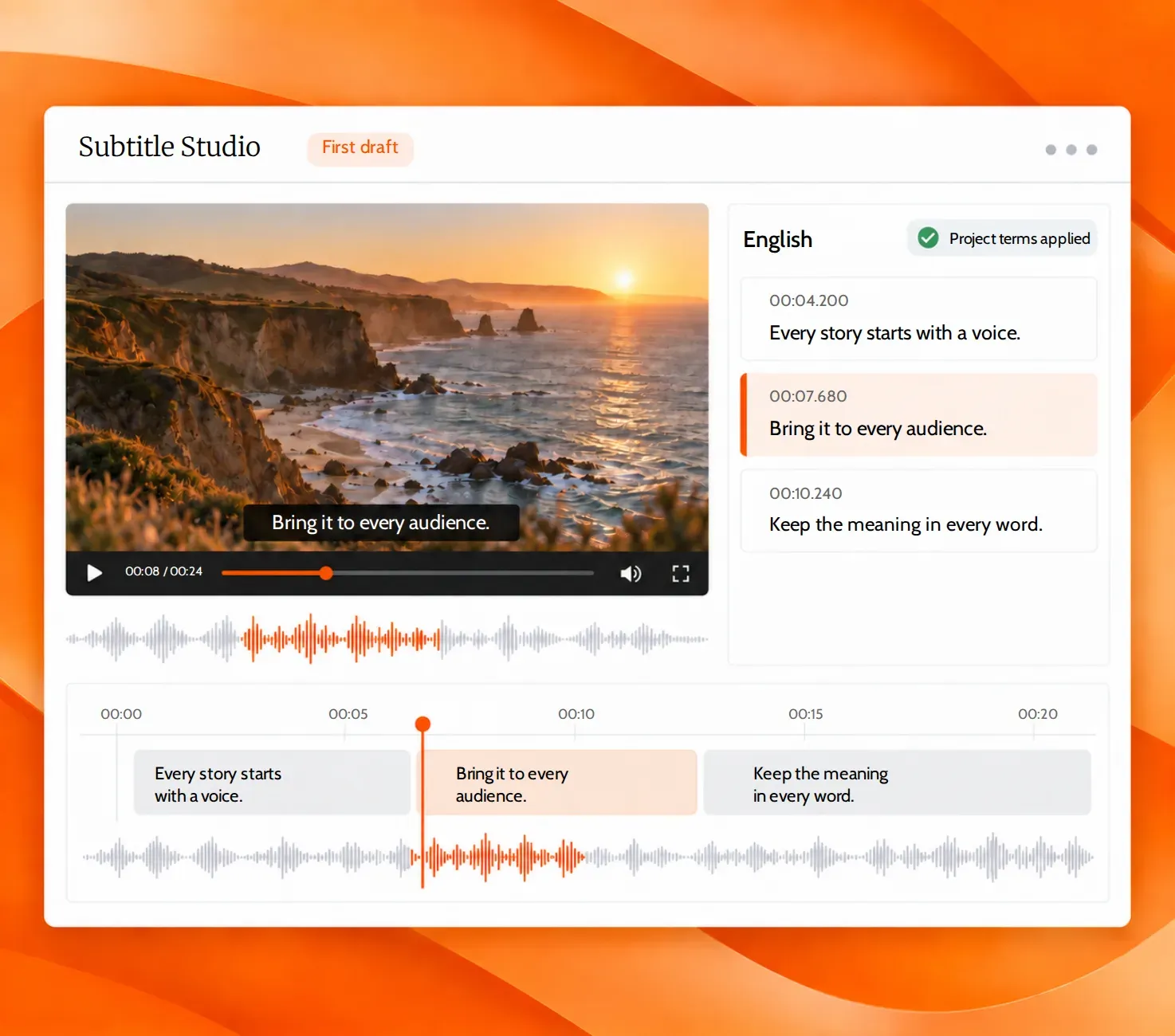
A faster editor saves minutes. A better draft saves the edit.
Set up the run
Check the language setting before you run. clipsubs transcribes in 99 languages and detects the source language automatically, including mixed-language material, and auto-detect has recently become better at audio with more than one language. If a recording switches language often, flag it for the reviewer anyway.
Then batch the work. Upload several files at once, up to 2 GB each, and run Transcribe All. Processing continues in the background, with an email when a long file is ready, so the team keeps working on other jobs. Word-level timing, timing cleanup and smart line breaking prepare each draft for review. If a section of speech is missing later, Transcribe gap fills it without starting the whole transcription again.
Before you run transcription
- Listen to the source and note the difficult passages.
- Assign a project termbase with names and terms.
- Check the language setting, especially for mixed audio.
- Batch the files that share a termbase and a brief.
Why a better draft beats a faster editor
Transcription uses AI hours at 1× the source duration, and it is usually the main paid step in a job. Editing, QC and Re-split are free. That is another reason to put the effort upstream: the paid step should hand the free steps the best material it can.
None of this removes the reviewer. AI output is a draft, and someone who knows the language still checks meaning, names, timing and speaker attribution against the picture. But the reviewer’s time goes much further when the draft already knows the names, sits in the right language and arrives as one consistent batch. In our experience, a few minutes of preparation before the run is the cheapest quality step in the whole workflow.