
Treat processing as a cost line
A producer does not budget a job by counting keystrokes. They look at the inputs: how many minutes of source media, how many languages, how many review rounds. AI processing deserves the same treatment. It is a cost that scales with the media, and it is predictable once you know which steps draw on it.
We priced clipsubs around that idea. You pay for processing, not for people, and most of what your team does by hand costs nothing.

- 01 / MINUTESMeasure
- 02 / ACTIONSEstimate
- 03 / ALLOWANCEAllocate
- 04 / VOLUMEChoose
Know which steps use hours
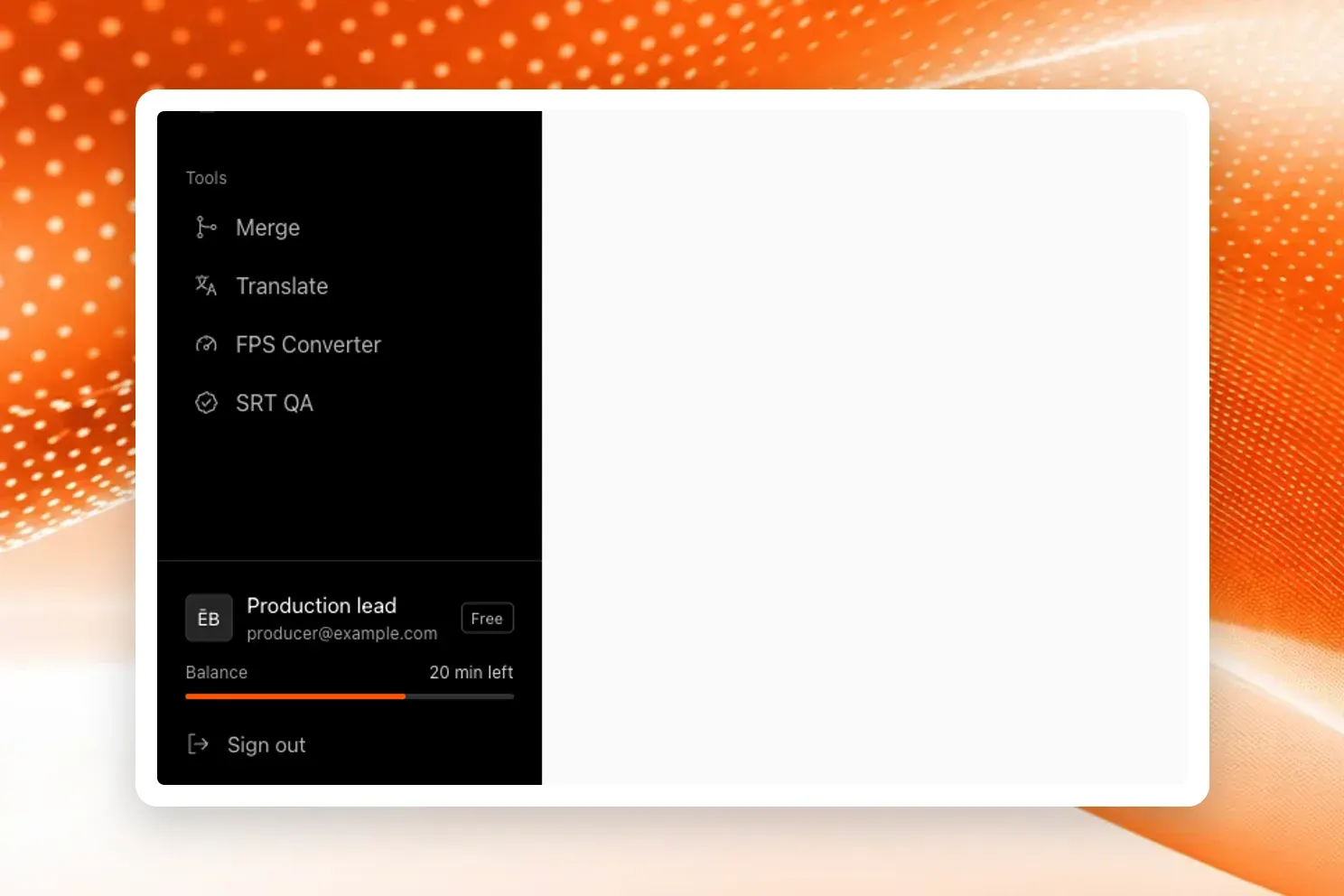
Transcription uses AI hours at 1× the source duration, so a 60-minute recording uses 60 minutes. AI Resync uses 0.3×, so the same hour of media uses 18 minutes. Utility tools such as Bulk Translate, FPS Converter, SRT Merge and bulk SRT QA use 5 minutes per file.
Everything else is free: editing, in-editor translation, QC, Re-split and export. AI Dubbing is billed separately and does not come out of your plan hours. In practice, the estimate is mostly a question of how many source minutes you transcribe each month, plus any resync and batch work on top.
Budget the source minutes. The editing and review your team does is not metered.
Set allowances where the work happens
Team workspaces share one pool of hours. You can give each member the full pool, a set limit or no access, so the person running batches and the person reviewing are not drawing on the same budget by accident.
Vendor assignments carry their own AI allowance, 15 minutes by default, and a vendor can choose whether to use your organisation’s hours or their own. Set the allowance from the brief. If the specialist is refining a translated version, the editing, translation in the editor and QC are free, and the default may be enough. If the task includes resyncing the track, size the allowance to the media at 0.3× its duration.
Before you set this month’s budget
- Add up the source minutes you expect to transcribe.
- Add 0.3× for any files that need AI Resync.
- Count the batch files that will go through utility tools.
- Set member and vendor allowances from that total.
Choose a plan by monthly volume
Every plan, Free included, has the same studio and collaboration tools. Free covers your own subtitles: import, edit, QC, create language versions and export, with a one-time 30-minute AI trial. Paid plans differ by the AI hours they include each month: Starter has 3 hours for €20, Growth 8 hours for €50 and Pro 20 hours for €100. Yearly billing saves 15%.
The extra-hour rate matters as much as the allowance. Additional hours cost €7 on Starter, €5.50 on Growth and €4 on Pro, and purchased extra hours never expire. If your volume is uneven, a smaller plan with extra hours bought for the busy months can be the sensible choice, because those hours stay available until you use them. If you regularly go well past your allowance, the lower extra-hour rate on a larger plan starts to pay for itself.
What I would suggest is to start from last quarter’s real jobs rather than a guess. Add up the transcribed minutes, the resyncs and the batch files, divide by three, and compare that monthly figure with the plans. For volumes beyond Pro, talk to us with your expected source-media volume and workflow.